
| |
|
|
 Markdown Monster 2.1.3.3 | 22.5 Mb Markdown Monster is a Markdown editor and viewer that lets you edit Markdown with syntax highlighting and fast text entry. A collapsible, synced, live preview lets you see your output as you type or scroll. Easily embed images, links, emojis and code using Markdown text or use our gentle UI helpers that simplify many operations with a couple of keystrokes. Paste images from the clipboard or drag and drop from Explorer or our built-in folder browser. Inline spell-checking and word counts keep your content streamlined unobtrusively.  Genre: eLearning | MP4 | Video: h264, 1280x720 | Audio: AAC, 44.1 KHz Language: English | Size: 704 MB | Duration: 2h 11m Build and Deploy AI ML Models without writing a single line of code  Genre: eLearning | MP4 | Video: h264, 1280x720 | Audio: AAC, 44.1 KHz Language: English | Size: 2.42 GB | Duration: 4h 2m Create Apps and Submit Them to the App Store Using SwiftUI and Xcode 13 - Perfect Course for Complete Beginners 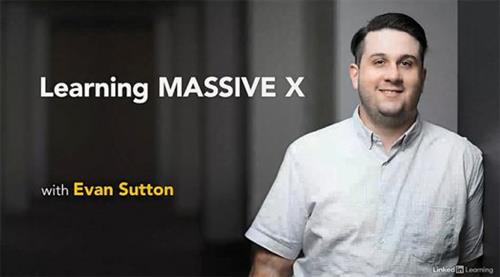 Evan Sutton | Duration: 2:21 h | Video: H264 1280x720 | Audio: AAC 48 kHz 2ch | 576 MB | Language: English + SUB MASSIVE X builds on the technology of its predecessor, MASSIVE, to give sound designers the tools needed to create boundary-pushing, otherworldly sounds. In this course, learn how to use this flagship synth from Native Instruments in your digital audio workstation (DAW) of choice. Instructor Evan Sutton shows you how to work with the basic interface of MASSIVE X, covering how to load and customize patches and create presets. Throughout the course, Evan provides an overview of the signal flow and modules, including filters, modulation controls, effects, macro controllers, envelopes, LFOs, and the Performers. Homepage  Video: MPEG4 Video (H264) 1920x1080 23.976fps 2609kbps | Audio: AAC 48000Hz stereo 137kbps Genre: eLearning | Duration: 17hrs+ | Language: Spanish | Subtitle: Spanish | Project File Included | File size: 5.2 GB In this 2D animation course, you will learn to master the Toon Boom and After Effects tools. 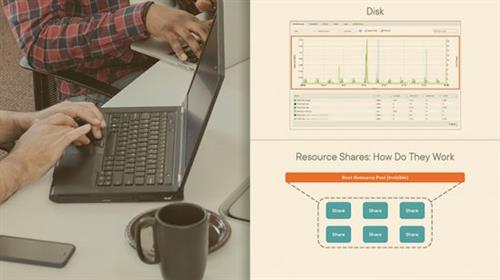 Ryan Shultz | Duration: 3:06 h | Video: H264 1280x720 | Audio: AAC 48 kHz 2ch | 343 MB | Language: English + SUB This course will teach you to optimize a vSphere environment not just at the virtualization hosting level but also the guest level. When you implement vSphere in your environment, you will need to fine tune its capabilities to suit your workload and avoid performance bottlenecks. In this course, vSphere Data Center Virtualization: Performance-tuning, Optimization, and Upgrades, you'll learn to optimize your current vSphere implementation and keep it healthy. First, you'll explore resource management. Next, you'll discover how to monitor different aspects of vSphere and configure different I/O controls. Finally, you'll learn how to keep the environment healthy by performing upgrades. When you're finished with this course, you'll have the skills and knowledge of performance tuning and optimization needed to maintain a solid, healthy, and up-to-date vSphere environment. 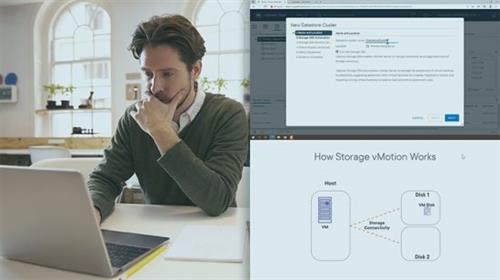 Ryan Shultz | Duration: 2:36 h | Video: H264 1280x720 | Audio: AAC 48 kHz 2ch | 281 MB | Language: English + SUB This course will teach you to perform configuration and operational tasks associated with managing a VMware vSphere implementation. vSphere allows you to go from just using VMware at its lowest level to enhancing your configuration and securing your implementations. In this course, vSphere Data Center Virtualization: Administrative and Operational Tasks, you'll learn to perform configuration and operational tasks associated with managing a VMware vSphere implementation. First, you'll explore vSphere machine management and vSphere storage. Next, you'll discover how to manage vSphere clusters. Finally, you'll learn about vSphere life cycle management and its importance to the success of your environment. When you're finished with this course, you'll have the skills and knowledge needed to administer and operate your environment.  Video: MPEG4 Video (H264) 1920x1080 25fps 351kbps | Audio: AAC 44100Hz stereo 128kbps Genre: eLearning | Duration: 16 Lessons (2h 57m) | Language: Spanish | Subtitle: Spanish, English, Portuguese, German, French, Italian, Polish, Dutch | Size: 1.09 GB 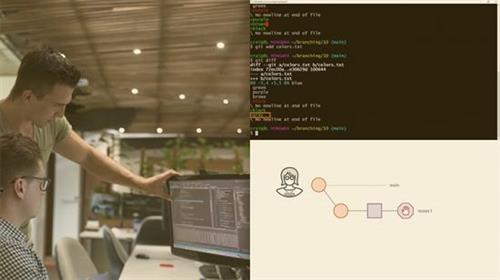 Craig Golightly | Duration: 2:25 h | Video: H264 1280x720 | Audio: AAC 48 kHz 2ch | 299 MB | Language: English + SUB Git branches help you manage your daily tasks easier. If you're working in a shared codebase, then branching is essential. Packed full of demos, this course will guide you through Git branches and the tools available to help you along the way. Working in a large, shared codebase is complex. How do you make progress when everyone is working at the same time? Git branches help you organize and scale concurrent work on your codebase. Branches are also great to organize your daily tasks and manage what you're doing on your own machine. In this course, Working with Git Branches, you'll gain the ability to incorporate branches into your daily workflow. First, you will learn the basics of branches. Next, you will discover how to diff and merge branches, along with how to understand, avoid, and deal with code conflicts when they come up. You will see how to use remotes and pull requests to collaborate as a team. Finally, you will explore when to use rebase and cherry-pick. When you're finished with this course, you will have the skills and knowledge of Git branching needed to boost your individual productivity, work as a team, and lower your stress level. 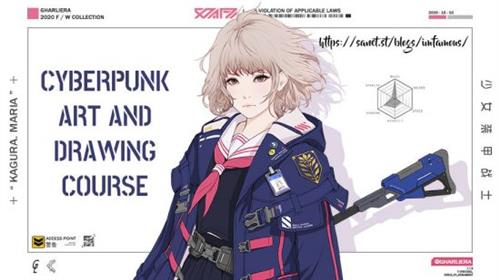 Video: MPEG4 Video (H264) 1280x720 30fps 118kbps | Audio: AAC 48000Hz stereo 64kbps Genre: eLearning | Duration: 11hrs+ | Language: English | File size: 1.07 GB In this course, you can see all the ways of drawing in one of the best Cyberpunk Artist, GHARLIERA (Park Jun Kyu), who has years of experience in the industry. This course will cover the topics, such as human body drawing, mechanical design, weapon design, gun design, layout. All can all be learned in one course. In this course, GHARLIERA will share the methods of how to get a maximum effect in a short time. |

 :
:
