Groove3 - Pro Tools Intro Getting Started
MP4 | Video: h264, yuv420p, 1920x1080 | Audio: aac, 44100 Hz | Duration: 2h 22m | 288 MB
Genre: eLearning | Language: English
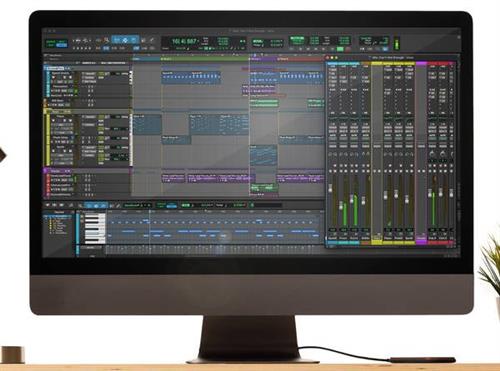
If you're just starting out on the free version of Pro Tools Intro, there can be a pretty steep learning curve, which can be quite intimidating to those just getting started. This Pro Tools Intro video course with Groove3 instructor Thomas Cochran makes it easy, teaching you the most important must-know concepts with clear, easy-to-understand demonstrations and explanations.
You'll learn how to get started with Pro Tools Intro and set up your hardware (audio interface, speakers, etc.), how to record audio and MIDI, how to edit your recordings, and much more. By the end of this near-three-hour course, you'll be well on your way to turning your musical ideas and compositions into full-fledged audio recordings that sound great, using the industry-standard DAW, Pro Tools. These videos are for new Pro Tools Intro users.