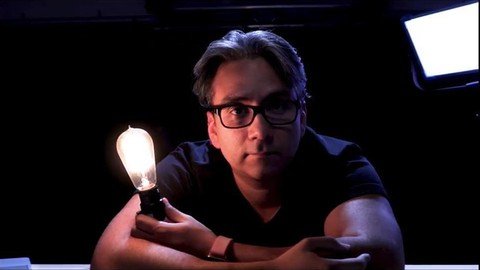
Published 1/2023 MP4 | Video: h264, 1280x720 | Audio: AAC, 44.1 KHz Language: English | Size: 2.60 GB | Duration: 2h 4m DIY Home / Office Video Lighting and Staging for less than you think!
What you'll learn Lighting and set basics for your YouTube or Social Media channel DIY Lighting for your YouTube or Social Media Channel Lighting and Staging for your home/office video projects Setting your video room up for under $500 Home/Office Video Lighting and Staging Requirements No Description I love the idea of helping people understand how to light and create video at home. I have been in video production for over 18 years and have won multiple international awards for Video Production and Live Streaming. I can show you how to design your set and light your next video with what you already have at home, or start from scratch for under $500, and that INCLUDESÂ the cost of this course. This is not for the person that has been shooting their own videos in a professional environment, or the person who already has thousands of dollars in lighting and staging set up. It IS for the person just learning how to understand the basics of video production in lighting, staging, and framing your video. I will show you the difference between my $5000 professional lights, the $500 online special bundle deal lights we all see advertised, and your $5 lightbulb at home. We will go over color temperatures as well as color quality and how that affects your staging as well as how it affects what your camera sees. All you need to get started is your camera and the willingness to learn. Let's have some fun and get creative with what we can find at home, the local hardware shop, and maybe some decor stores. Overview Section 1: Introduction Lecture 1 Intro Section 2: Your Room is Your Blueprint Lecture 2 Your Room is Your Blueprint Lecture 3 Let's Talk WIndows Section 3: Camera Placement. Lecture 4 Camera Placement Lecture 5 What's in your frame? Section 4: Lighting Lecture 6 Let's talk lights. Lecture 7 Let's put up some lights. Lecture 8 Adding some diffusion Lecture 9 Hair Light Section 5: Designing Your Background Lecture 10 Let's have some fun. Lecture 11 My Background Section 6: ContentMakers.net videos Lecture 12 More on controlling your lighting Lecture 13 More info on picking a light. Section 7: That's a wrap. Lecture 14 That's a wrap. Beginners in video creation,Someone looking to spend less than $500 to get started,People wanting to start streaming from scratch,Professionals wanting to start online content creation