

 :
:
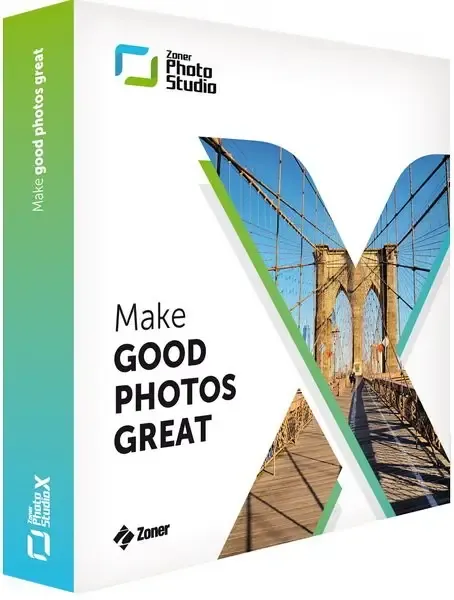
Zoner Studio 19.2606.2.698 (x64) | 1.3 gb
Zoner Studio is a comprehensive photo management and editing application designed for photographers who need tools for organizing, enhancing, and creating visual content. The software combines RAW processing, image editing, catalog management, retouching, and video creation features in a single workspace.
With support for advanced photo editing workflows, Zoner Studio allows users to work with RAW and JPG images, apply adjustments, use layers and masks, perform retouching tasks, and create professional-looking compositions. Its cataloging system helps manage large image collections by organizing photos through folders, dates, locations, and keywords.
The application also includes tools for creating videos, presentations, and time-lapse projects directly from photos, making it suitable for photographers, content creators, and users who need a complete media management environment.
Key Features:
- Process and edit RAW and JPG images with advanced adjustment tools.
- Work with layers and masks for complex photo compositions and editing tasks.
- Apply retouching tools for portrait improvements and image corrections.
- Use presets to quickly apply predefined visual styles.
- Create videos, presentations, and time-lapse projects from photos.
- Organize large photo collections with cataloging tools.
- Browse images by date, location, keywords, or folders.
- Manage image metadata and customized folder settings.
- Support modern RAW formats for professional photography workflows.
- Use full-screen viewing mode for improved image review.
Why Choose Zoner Studio:
Zoner Studio provides photographers with a complete environment for managing and editing digital images. It combines essential photography tools such as RAW development, retouching, cataloging, and creative editing in one application.
The software is suitable for photographers, designers, and users who work with large image libraries and need efficient tools for organizing, enhancing, and presenting their visual content.
System Requirements:
Operating System:Windows 10, 11
FAQ:
Q: What is Zoner Studio used for?
A: Zoner Studio is used for photo editing, RAW processing, image organization, retouching, and creating video projects from photos.
Q: Does Zoner Studio support RAW images?
A: Yes. The software supports RAW processing and provides tools for editing professional camera images.
Q: Can Zoner Studio edit photos using layers?
A: Yes. The application includes layer and mask support for advanced editing workflows.
Q: Can Zoner Studio organize large photo collections?
A: Yes. Its cataloging features allow users to organize images by folders, dates, locations, and keywords.
Q: Does Zoner Studio include video editing features?
A: Yes. Users can create videos, presentations, and time-lapse projects from photos.
Home Page
https://www.zoner.com/
Product Information:
- Software Name: Zoner Studio
- Version: 19.2606.2.698
- Architecture: x64
- Languages: English
- License type: Full Version
- File Size: 1.3 gb
Buy Premium From My Links To Get Resumable Support,Max Speed & Support Me
Links are Interchangeable - No Password - Single Extraction