

 :
:
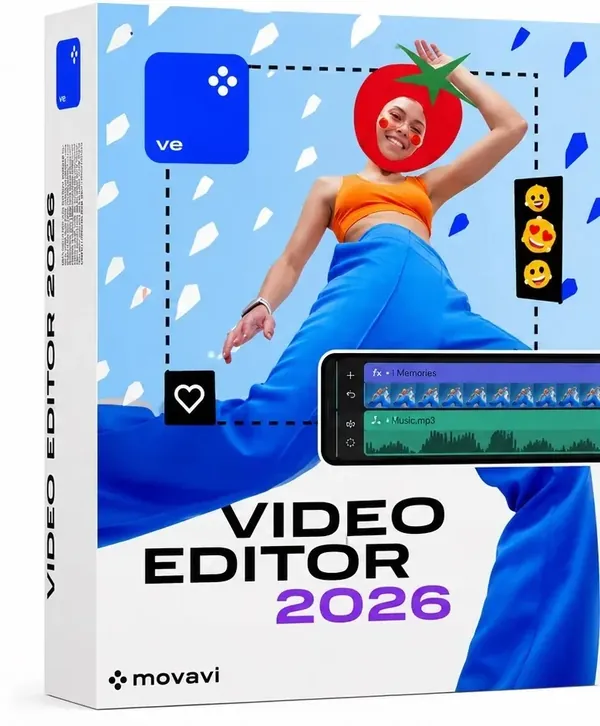
Movavi Video Editor 26.18.1 (x64) Multilingual Portable Fast Links | 805 Mb
Movavi Video Editor is a video editing application designed to help users create and enhance videos through an accessible editing workflow. It provides essential tools for cutting clips, combining footage, improving audio, applying visual effects, and preparing finished projects for sharing.
The software is suitable for content creators, students, educators, marketers, and home users who need an easy-to-use solution for video production. Its interface allows users to edit videos without requiring advanced technical knowledge while still providing a wide range of creative tools.
With support for modern editing workflows, the application allows users to work with video clips, audio tracks, titles, transitions, color adjustments, and visual enhancements. It also includes automated tools that simplify common editing tasks and help users create polished results more efficiently.
How to Use Portable Version
No installation is required. Extract the package and run the main executable directly, or use it from a USB drive for portable operation.
Key Features:
- Trim, cut, split, and merge video clips
- Rotate and crop videos
- Adjust playback speed and reverse video clips
- Add background music and record voiceovers
- Remove unwanted audio noise and synchronize sound with video
- Apply volume adjustments and fade-in/fade-out effects
- Use filters, transitions, motion tracking, and Chroma Key effects
- Create Picture-in-Picture video compositions
- Add animated stickers, overlays, titles, and subtitles
- Customize fonts, colors, and text animations
- Use AI-powered background removal and noise reduction tools
- Apply AI motion tracking and supported upscaling features
- Adjust brightness, contrast, saturation, and white balance
- Support LUT-based color correction workflows
- Export projects in MP4, AVI, MOV, MKV, and WMV formats
- Upload finished videos directly to YouTube
System Requirements:
- Microsoft® Windows® 10/11 64-bit with up-to-date patches and service packs installed
- Intel®, AMD®, or compatible dual-core processor, 1.5 GHz
- Intel® HD Graphics 2000, NVIDIA® GeForce® series 8 and 8M, Quadro FX 4800, Quadro FX 5600, AMD Radeon™ R600, Mobility Radeon™ HD 4330, Mobility FirePro™ series, Radeon™ R5 M230 or higher graphics card with up-to-date drivers
- 1280 x 768 screen resolution, 32-bit color
- 4 GB RAM
- 400 MB available hard disk space for installation, 600 MB for ongoing operations
- Administrator permissions are required for installation
Home Page-
https://www.movavi.com
Buy Premium From My Links To Get Resumable Support,Max Speed & Support Me
Links are Interchangeable - No Password - Single Extraction