

 :
:
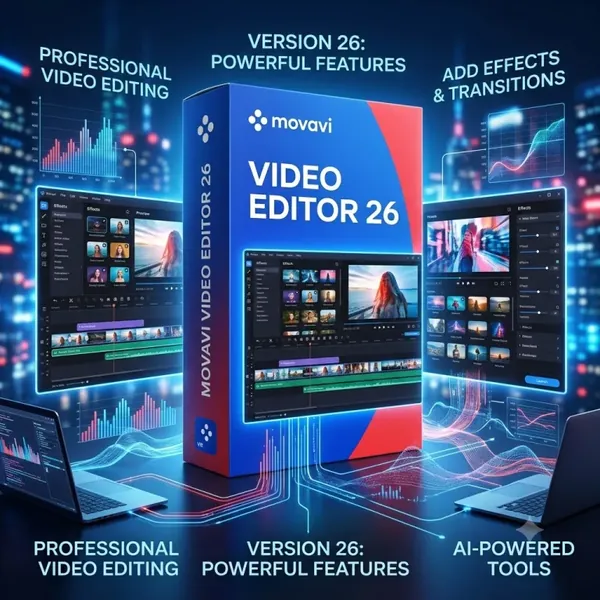
Movavi Video Editor 26.19.0 (x64) Multilingual + Portable Fast Links | 146.5/229.4 Mb
Movavi Video Editor is an intuitive video editing application that enables users to produce polished videos without requiring extensive editing experience. It combines an accessible workspace with a comprehensive collection of editing tools, making it suitable for content creators, educators, students, marketers, and anyone looking to enhance personal or professional video projects.
The software supports the complete editing workflow, from trimming raw footage and improving audio quality to adding transitions, titles, effects, and exporting finished videos in popular formats. The included Portable edition allows the application to run without a traditional installation process, making it convenient for flexible deployment across compatible Windows systems.
Key Features:
- Trim, split, merge, crop, rotate, reverse, and adjust video playback speed.
- Record voiceovers and add background music to video projects.
- Reduce unwanted audio noise and synchronize audio with video.
- Adjust volume levels and apply fade-in and fade-out effects.
- Apply hundreds of filters, transitions, stickers, and overlays.
- Create Picture-in-Picture (PiP) compositions.
- Use Chroma Key for green screen editing.
- Add animated titles, captions, and customizable subtitles.
- Customize fonts, colors, and text animations.
- AI-powered tools including Background Removal, Noise Reduction, Motion Tracking, and AI Upscaling (supported versions).
- Perform color correction with brightness, contrast, saturation, white balance, and LUT support.
- Export videos to MP4, AVI, MOV, MKV, WMV, and other supported formats.
- Upload completed videos directly to YouTube.
- Supports editing and exporting 4K video projects.
Why Choose Movavi Video Editor:
Movavi Video Editor offers a practical balance between ease of use and creative flexibility. Its streamlined interface allows beginners to start editing quickly, while its extensive collection of effects, AI-assisted tools, color correction features, and export options provides enough functionality for more advanced projects. The bundled Portable edition also offers additional flexibility for users who prefer to run the software without performing a traditional installation.
System Requirements:
Operating System: Windows (64-bit)
FAQ:
Q: Is Movavi Video Editor suitable for beginners?
A: Yes. Its user-friendly interface is designed to help new users create professional-looking videos with minimal learning time.
Q: Can the software edit 4K videos?
A: Yes. It supports editing and exporting 4K video projects.
Q: What is included in the Portable edition?
A: The Portable edition allows the software to run without a traditional installation process, providing greater flexibility when using it on compatible Windows systems.
Home Page
https://www.movavi.com
Buy Premium From My Links To Get Resumable Support,Max Speed & Support Me
Rapidgator
d65hq.Movavi.Video.Editor.26.19.0.Portable.rar.html
d65hq.Movavi.Video.Editor.Plus.26.19.0.rar.html
UploadCloud
d65hq.Movavi.Video.Editor.26.19.0.Portable.rar.html
d65hq.Movavi.Video.Editor.Plus.26.19.0.rar.html
DDownload
d65hq.Movavi.Video.Editor.26.19.0.Portable.rar
d65hq.Movavi.Video.Editor.Plus.26.19.0.rar
FreeDL
d65hq.Movavi.Video.Editor.26.19.0.Portable.rar.html
d65hq.Movavi.Video.Editor.Plus.26.19.0.rar.html
Links are Interchangeable - No Password - Single Extraction